

package.json:
package.json
.buildkite/pipeline.yml in your repository with the
following contents:
.buildkite/pipeline.yml
Authentication
To run any commands, you must authenticate with Momentic by providing theMOMENTIC_API_KEY environment variable.
- Create an API key in the Momentic dashboard.
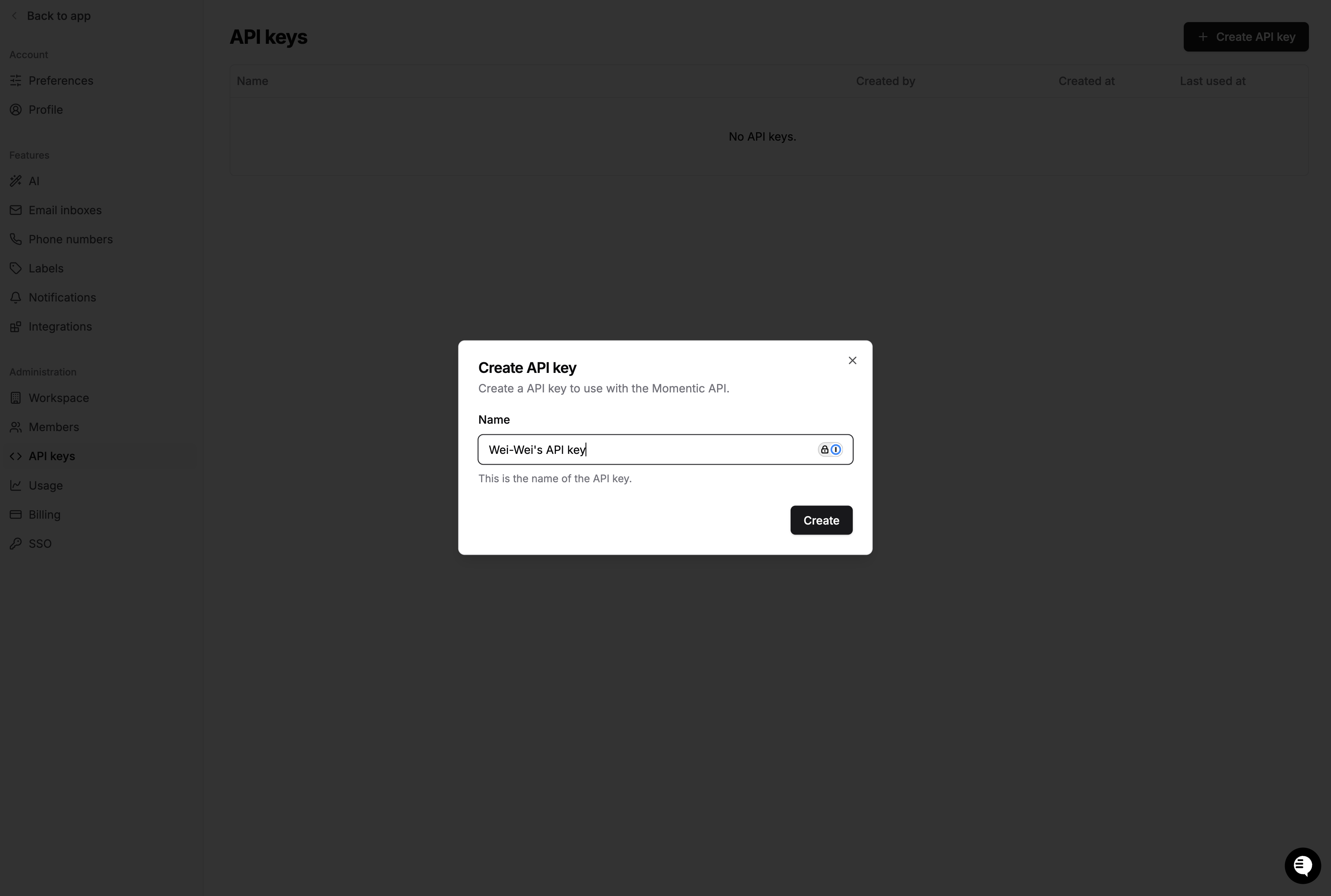
- Store it with the
Buildkite secrets
tooling your agents use: the
secretsBuildkite plugin, your secrets manager, or an agent environment hook. Do not commit it to the pipeline file. - Expose it to the
momenticsteps asMOMENTIC_API_KEY:
.buildkite/pipeline.yml
Sharding
If you have a large test set, use sharding to run tests in parallel across CI jobs and shorten total run time. Buildkite exposes the parallel job index asBUILDKITE_PARALLEL_JOB (0-indexed)
and the total as BUILDKITE_PARALLEL_JOB_COUNT. Momentic’s --shard-index is
1-indexed, so add one. To collect every shard into a single run group in the
dashboard, add a step that merges and uploads results after the tests finish.
.buildkite/pipeline.yml
Test Analytics
Momentic can emit a Buildkite-format JSON report with thebuildkite-json
reporter for
Buildkite Test Analytics: