

Install
- Open Settings > Integrations in the dashboard.
- Click Connect on the Slack card and authorize the workspace.
- Open Settings > Notifications and pick a channel for each notification type you want.
chat:write.public.
Private channels still need /invite @Momentic from a channel member.
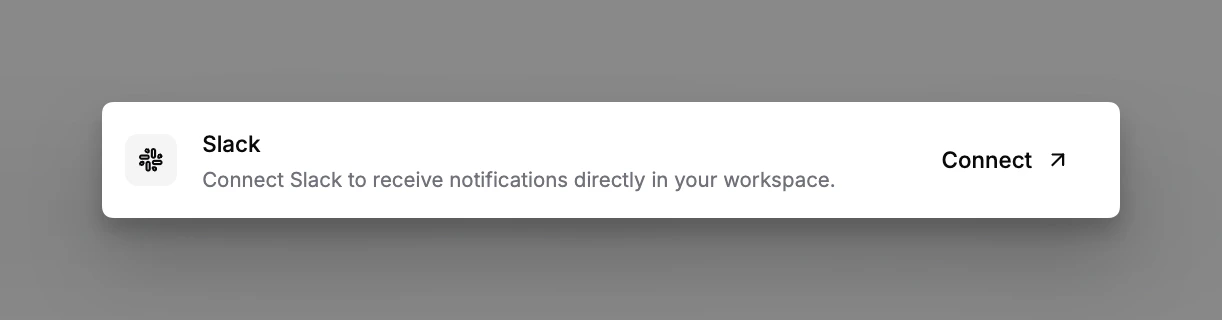
Slack integration settings
What gets posted
Three notification types, each with its own channel under Settings > Notifications:
Test-run and explore notifications can also arrive as a direct message (DM) to
the Slack user linked to the action (for example the author of a healed pull
request), in addition to the channel post.
Channel routing
Each notification type takes its own channel, so test-run updates can land in#qa-alerts while explore activity goes to #test-authoring. The branch
filter on test runs and explore restricts posts to one branch; leave it blank
to hear about every branch.
Individual quarantine rules can
override the quarantine channel on the rule itself, so a payments-team rule can
post to #payments-qa while everything else lands in the default.
A notification that never arrives means the bot is not in a private channel, or
the notification type’s channel is unset.
Gotchas
- Private channels.
chat:write.publiccovers public channels; private ones need an explicit/invite @Momenticeven after workspace authorization. - Renamed channels. Routing uses the channel ID, so a rename keeps working. Deleting and recreating a channel does not: re-select it in settings.
- Workspace moves. The OAuth install is bound to one workspace. A Slack workspace migration (Enterprise Grid move, export/import) requires a fresh Connect.
- Linked users. DMs go to the Slack user mapped to the Momentic account; users who have not linked Slack get no DM, and the channel post still sends.
Disconnect or revoke
- From Momentic: disconnect on the Slack card in Settings > Integrations.
- From Slack: remove the Momentic app under your workspace’s App management settings. Disconnecting in Momentic alone stops notifications; revoking in Slack also withdraws the app’s access.
Related
- AI test maintenance
- Monitor a third-party flow for run-failure alerts routed through CI webhooks