Documentation Index

Fetch the complete documentation index at: https://momentic.ai/docs/llms.txt

Use this file to discover all available pages before exploring further.

Example pipeline for running Momentic on Azure Pipelines. More reference configs live in momentic-ai/examples. Azure DevOps is auto-detected, so Momentic reads git metadata (branch, commit, pipeline) from the build environment automatically. For a given root package.json:
package.json
{
  "name": "my-momentic-repo",
  "scripts": {},
  "devDependencies": {
    "momentic": "latest"
  }
}
Create a file called azure-pipelines.yml in your repository with the following contents:
azure-pipelines.yml
trigger:
  - main

pool:
  vmImage: ubuntu-latest

steps:
  - task: NodeTool@0
    inputs:
      versionSpec: "20.x"
    displayName: Install Node.js

  - script: npm install
    displayName: Install dependencies

  - script: npx momentic install-browsers --all
    displayName: Install browsers

  - script: npx momentic run
    displayName: Test
    env:
      MOMENTIC_API_KEY: $(MOMENTIC_API_KEY)

  - script: npx momentic results upload test-results
    displayName: Upload results
    condition: always()
    env:
      MOMENTIC_API_KEY: $(MOMENTIC_API_KEY)

Authentication

To run any commands, you must authenticate with Momentic by providing the MOMENTIC_API_KEY environment variable.
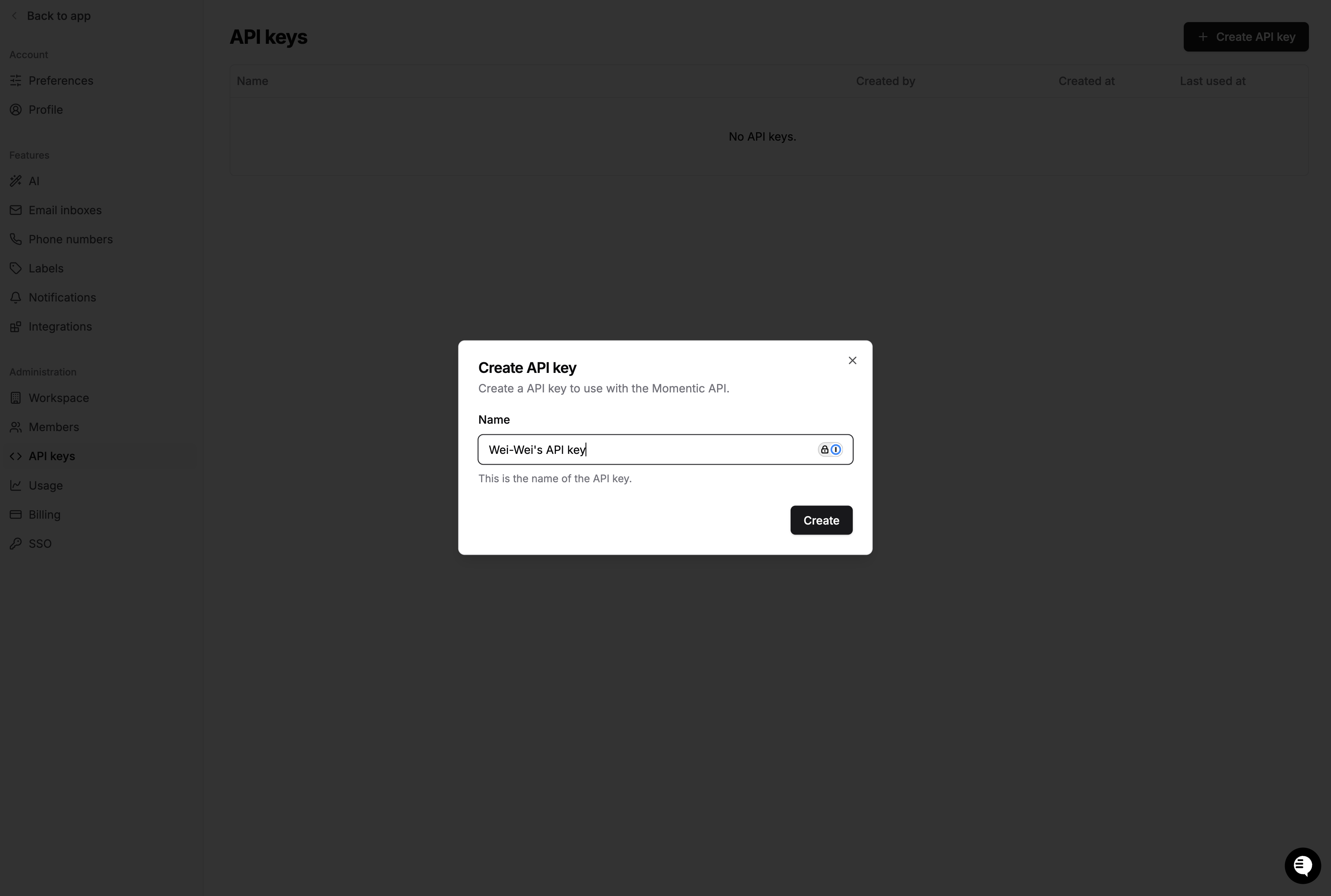
  1. Create an API key in the Momentic dashboard and copy the value.
  2. Add it as a secret pipeline variable named MOMENTIC_API_KEY (mark it as secret so it is masked in logs). Avoid committing it to the pipeline file.
  3. Secret variables are not exposed to scripts automatically, so map it into the environment of each momentic step with env:, as shown above.

Sharding

If you have a large test set, you can use sharding to run tests in parallel. This can significantly speed up your CI runs. Use a parallel job strategy and read the 1-indexed System.JobPositionInPhase and total System.TotalJobsInPhase for --shard-index / --shard-count. To collect every shard into a single run group in the dashboard, add a job that merges and uploads results after the tests finish.
azure-pipelines.yml
trigger:
  - main

pool:
  vmImage: ubuntu-latest

jobs:
  - job: test
    displayName: Run tests
    strategy:
      parallel: 4
    steps:
      - task: NodeTool@0
        inputs:
          versionSpec: "20.x"
      - script: npm install
      - script: npx momentic install-browsers --all
      - script: |
          npx momentic run \
            --shard-index $(System.JobPositionInPhase) \
            --shard-count $(System.TotalJobsInPhase) \
            --output-dir test-results/shard-$(System.JobPositionInPhase)
        displayName: Test
        env:
          MOMENTIC_API_KEY: $(MOMENTIC_API_KEY)
      - publish: test-results
        artifact: test-results-$(System.JobPositionInPhase)
        condition: always()

  - job: merge_results
    displayName: Merge and upload results
    dependsOn: test
    condition: always()
    steps:
      - task: NodeTool@0
        inputs:
          versionSpec: "20.x"
      - script: npm install
      - download: current
      - script: |
          npx momentic results merge --output-dir test-results/merged $(Pipeline.Workspace)
          npx momentic results upload test-results/merged
        displayName: Merge and upload
        env:
          MOMENTIC_API_KEY: $(MOMENTIC_API_KEY)