- It still runs on every
momentic runand every CI job - Failures are reported as quarantined failures, not regular failures
- The CLI returns a non-failing exit code even if quarantined tests fail
- Runs still show up in the dashboard so you can investigate
Quarantine a test
CLI
momentic quarantine for the
full command reference.
Dashboard
Go to Quarantine in the sidebar and click Quarantine test. You can also quarantine and unquarantine directly from the run viewer, or hover a test on the Quarantine page and pick Unquarantine.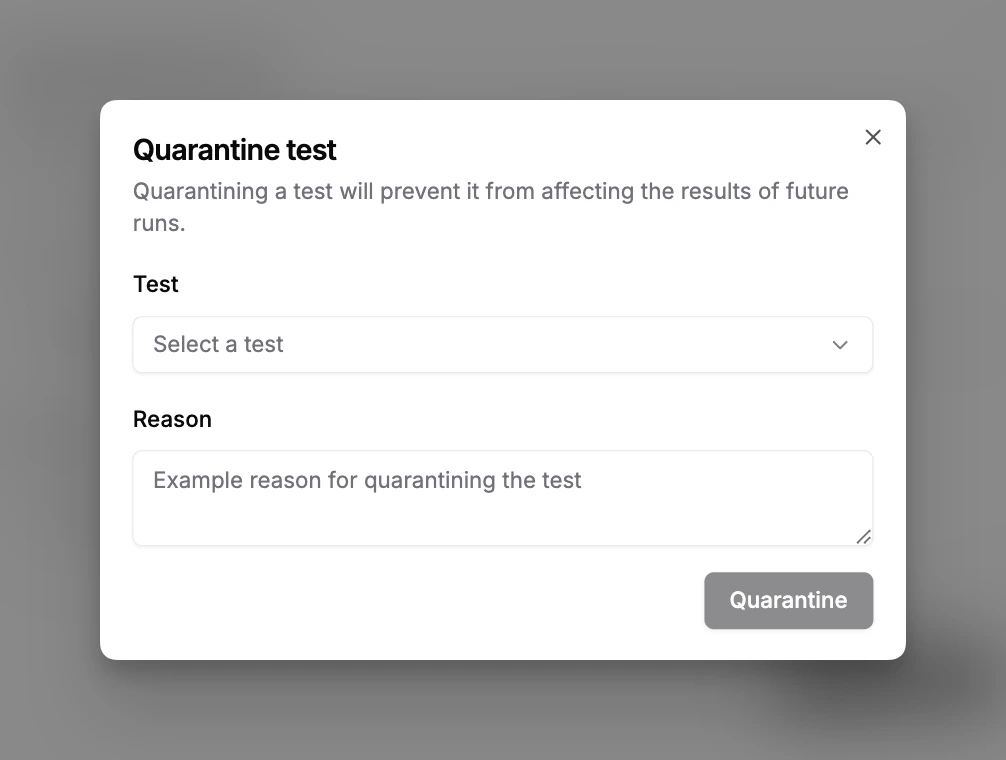
Quarantine rules
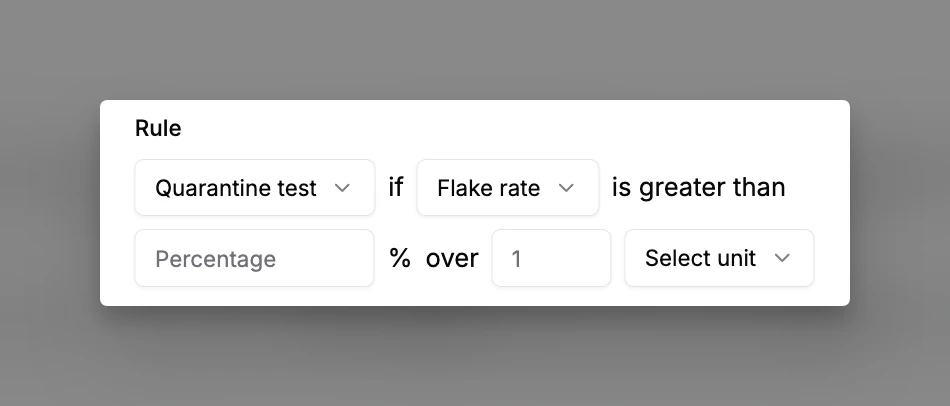
Rules automate quarantine/unquarantine based on thresholds so you don’t have to intervene manually. Each rule has:- Action, quarantine or unquarantine
- Metric, one of:
- Pass rate, percentage of runs that passed
- Failure count, absolute number of failed runs
- Flake rate, percentage of runs that flaked
- Recovery count, absolute number of runs that passed via failure recovery
- Recovery rate, percentage of runs that passed via failure recovery
- Threshold, value that triggers the action
- Window, period over which the metric is evaluated
Filters
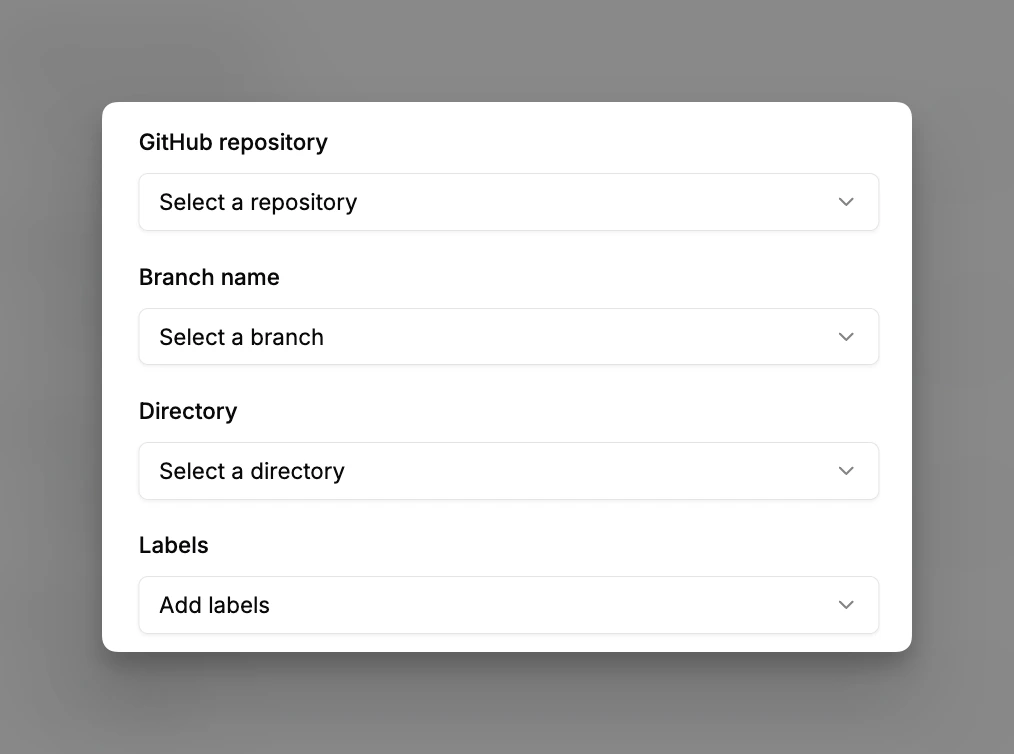
Scope a rule to specific tests or runs:- Repository
- Branch (useful for quarantining tests failing on
main) - Labels (useful for stricter rules on a subset of tests)