

A module is a named sequence of steps you can call from any test. Use modules to share login flows, setup fixtures, or repeated user journeys.Documentation Index
Fetch the complete documentation index at: https://momentic.ai/docs/llms.txt
Use this file to discover all available pages before exploring further.
Modules can’t call other modules.
Example
A module is a YAML file that ends in.module.yaml. Call it from any test with
a Module step.
login.module.yaml
checkout.test.yaml
Parameters
Parameters let a single module handle different inputs. Keys are strings; values can be any JSON-compatible value.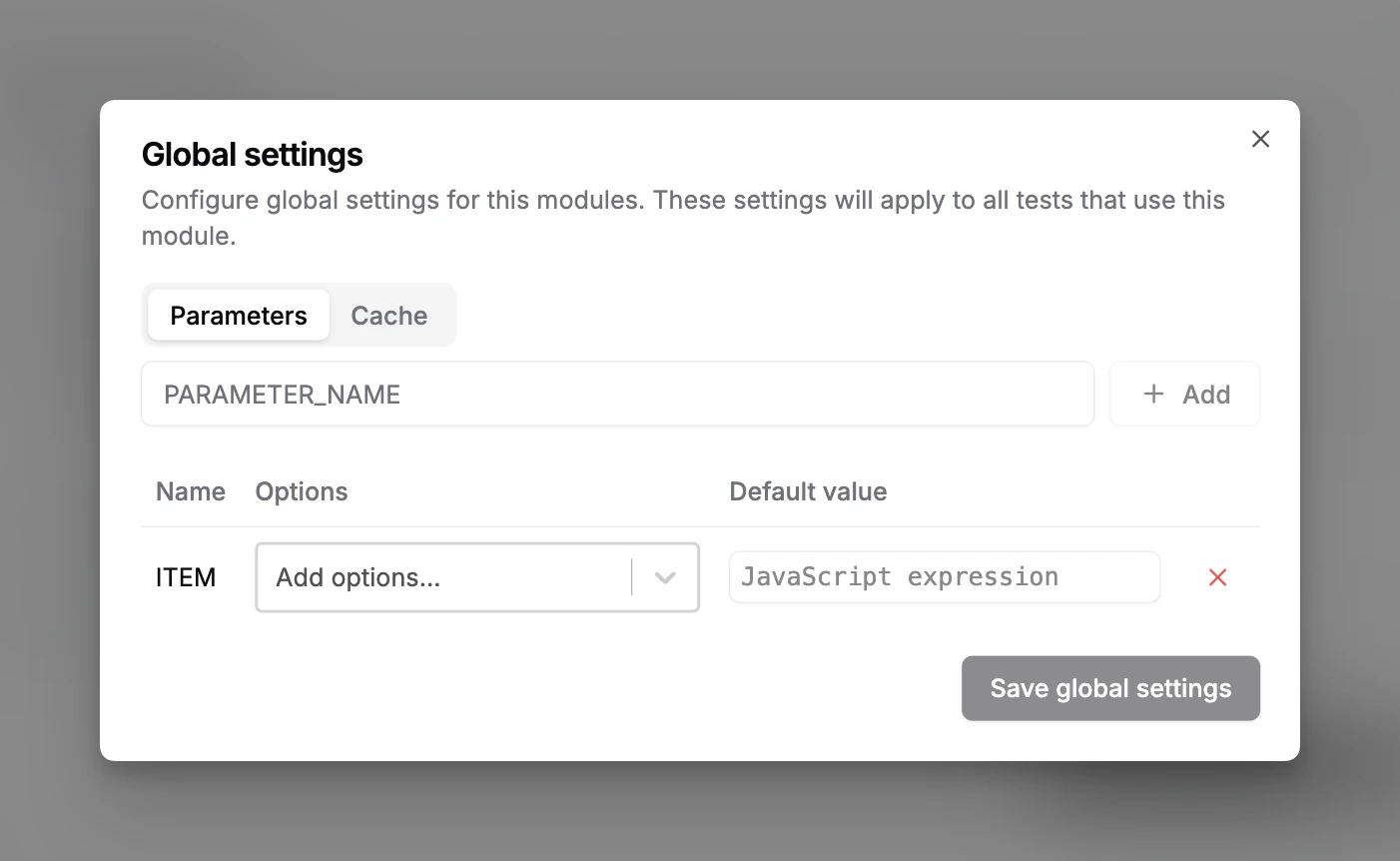
{{ env.PARAM_NAME }} (or env.PARAM_NAME in JavaScript steps).
Defaults vs instance inputs
Each parameter can have a default input value (shared by every instance of the module) and an instance input value (set on a specific Module step). Instance inputs take precedence.checkout.test.yaml
env.
Control flow
Default retries
Set Default retries under the module’s Control flow tab to retry every invocation of the module a fixed number of times on failure. Invocations that set their ownretries value override the module default.
Use this for flaky setup modules (e.g. a login module that sometimes fails on
slow environments) instead of setting retries on every invocation.
Caching
Modules are uncached by default and always execute. Enable caching to skip a module when its cache key and inputs are unchanged. The module’s return value (the return value of its last step) is also cached.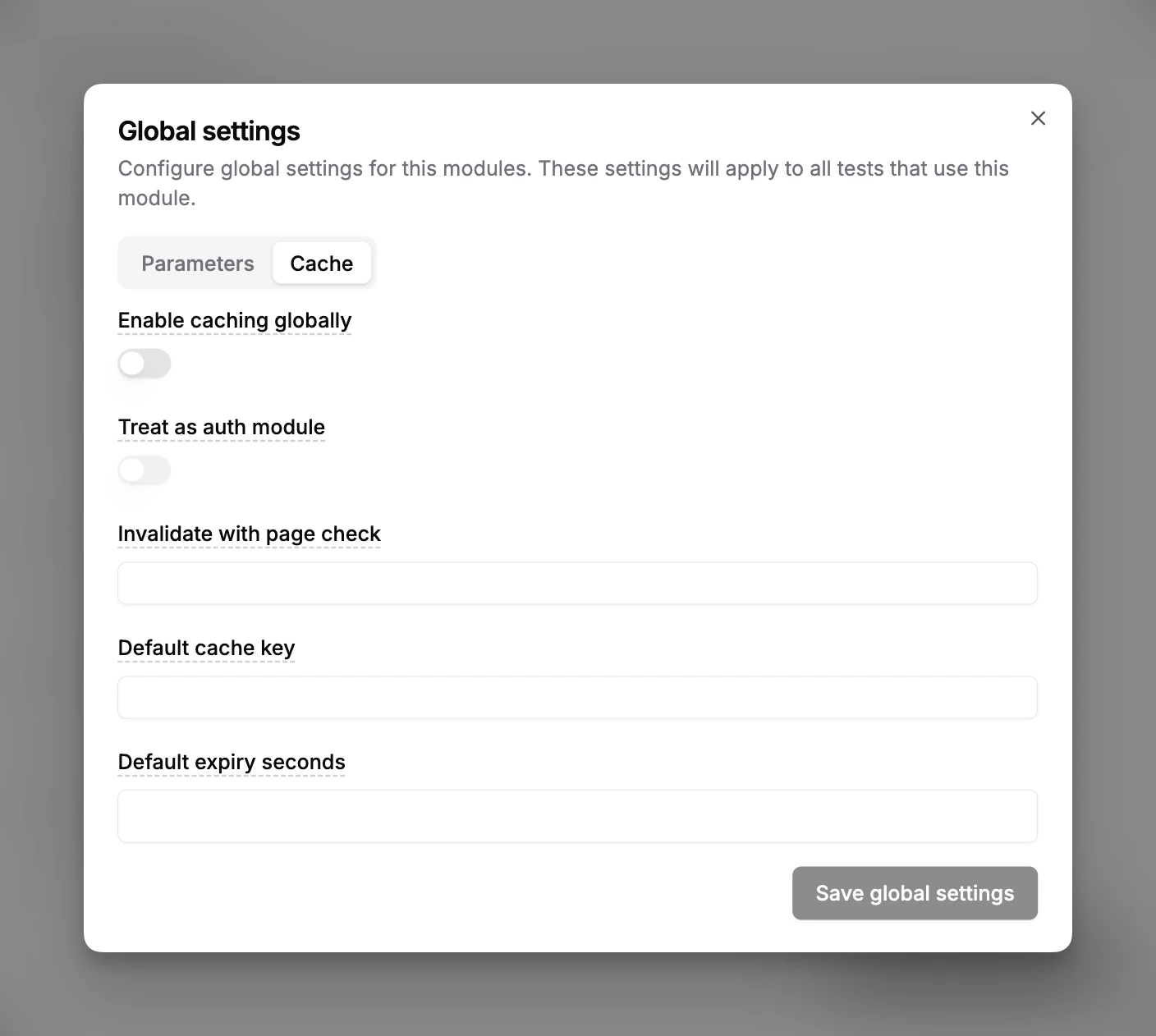
Authentication modules
Enable Treat as auth module to save and restore browser auth state between runs. Momentic persists:Set the cache expiry shorter than your session’s expiry. Add a final step that
verifies the authenticated state so the cache only saves when login succeeded.