> ## Documentation Index
> Fetch the complete documentation index at: https://momentic.ai/docs/llms.txt
> Use this file to discover all available pages before exploring further.
# Jenkins
> Run Momentic tests from a Jenkins pipeline.
Example pipeline for running Momentic on [Jenkins](https://www.jenkins.io/).
More reference configs live in
[momentic-ai/examples](https://github.com/momentic-ai/examples).
For a given root `package.json`:
```json package.json theme={null}
{
"name": "my-momentic-repo",
"scripts": {},
"devDependencies": {
"momentic": "latest"
}
}
```
Create a file called `Jenkinsfile` in your repository with the following
contents:
```java Jenkinsfile theme={null}
pipeline {
agent any
tools {
nodejs 'NodeJS 22'
}
stages {
stage('Checkout Code') {
steps {
checkout scm
}
}
stage('Install Dependencies') {
steps {
sh 'npm ci'
}
}
stage('Install Browsers for Momentic') {
steps {
sh 'npx momentic install-browsers --all'
}
}
stage('Run Momentic Tests and Upload Results') {
steps {
sh 'npx momentic run'
}
post {
always {
sh 'npx momentic results upload test-results'
}
}
}
}
}
```
## Authentication
To run any commands, you must authenticate with Momentic. You can do this by
adding the `momentic-api-key` credential to your Jenkins instance.
1. Create an API key in
[Momentic dashboard](https://app.momentic.ai/settings/api-keys).
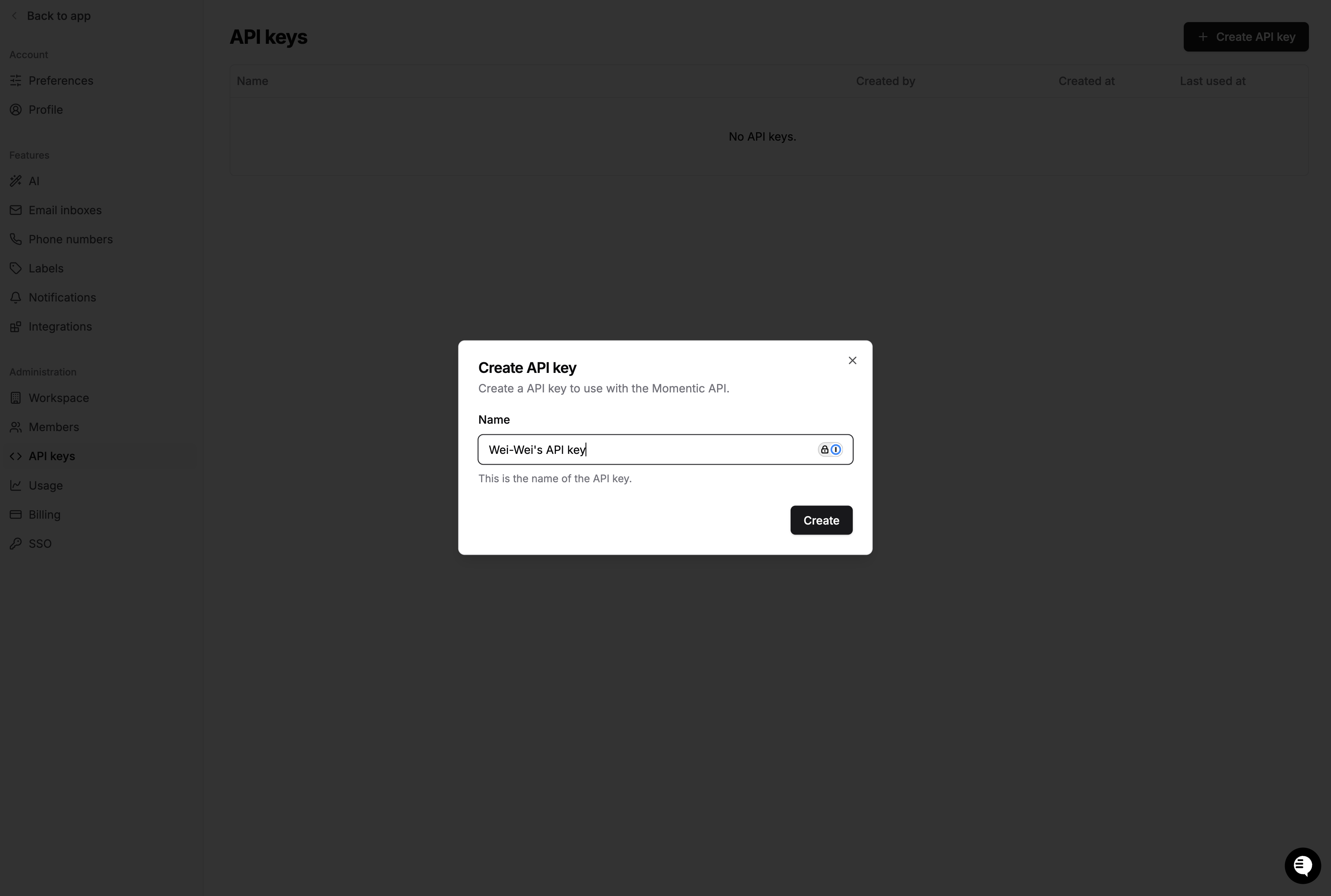 Copy the value to a safe place. You'll need it in a moment.
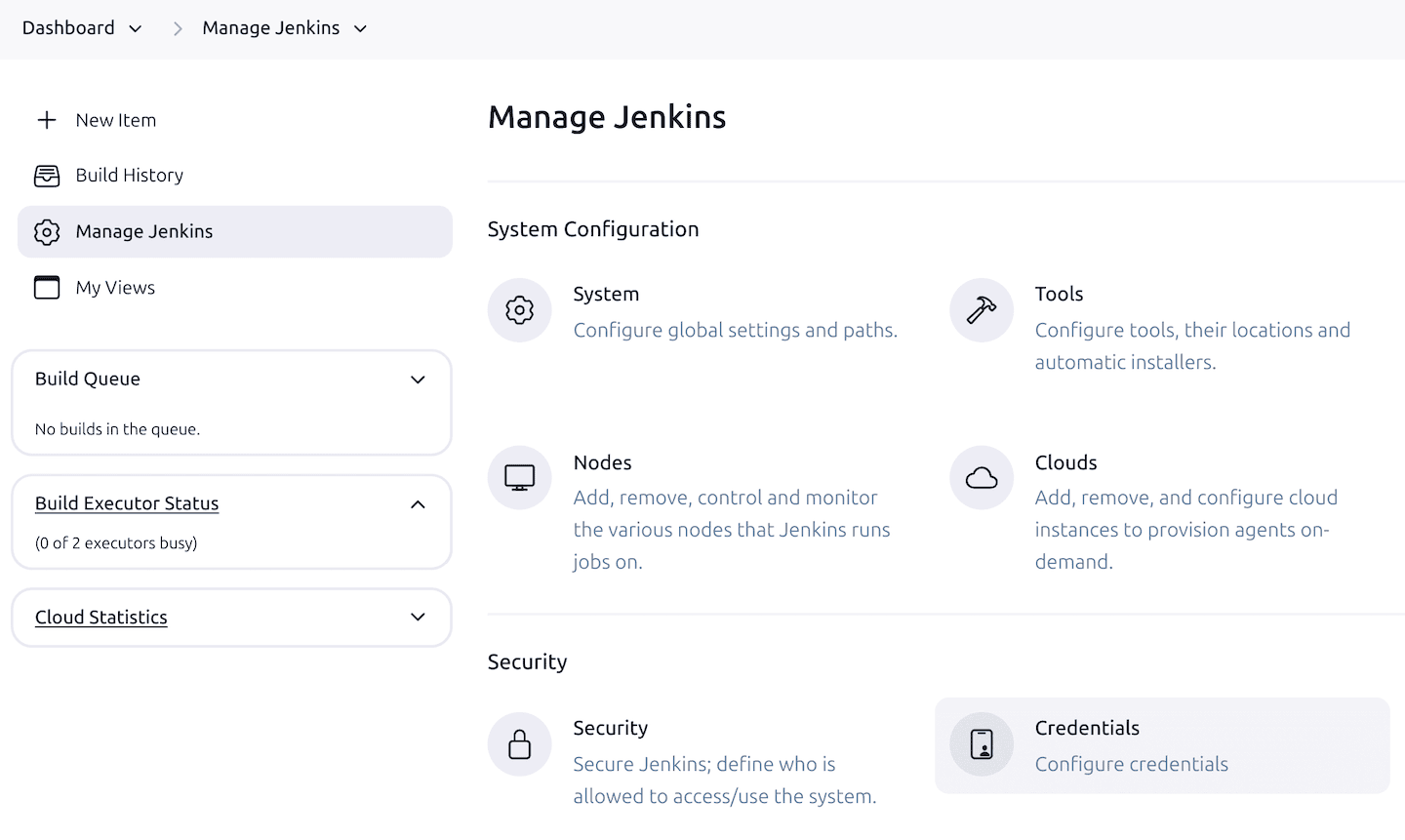
2. Add a new global credential to your Jenkins controller.
Copy the value to a safe place. You'll need it in a moment.
2. Add a new global credential to your Jenkins controller.
 3. At the top of your `Jenkinsfile`, provide the following environment variables
to the pipeline:
```java Jenkinsfile {4-7} theme={null}
pipeline {
agent any
// To authenticate, set the following environment variables.
environment {
MOMENTIC_API_KEY = credentials('momentic-api-key')
}
// ...
}
```
3. At the top of your `Jenkinsfile`, provide the following environment variables
to the pipeline:
```java Jenkinsfile {4-7} theme={null}
pipeline {
agent any
// To authenticate, set the following environment variables.
environment {
MOMENTIC_API_KEY = credentials('momentic-api-key')
}
// ...
}
```