> ## Documentation Index
> Fetch the complete documentation index at: https://momentic.ai/docs/llms.txt
> Use this file to discover all available pages before exploring further.
# Slack
> Notify Slack channels when tests are quarantined or unquarantined.
Connect Slack to receive notifications in your workspace when Momentic
quarantines or unquarantines a test.
## Install
1. Open [Settings > Integrations](https://app.momentic.ai/settings/integrations)
in the dashboard.
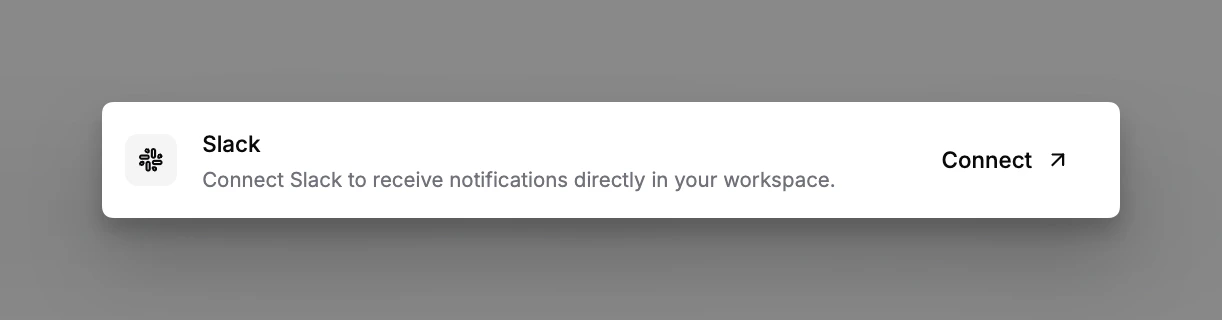
2. Click **Connect** on the Slack card and authorize the workspace.
3. Invite the Momentic bot to any channels you want notifications in.
 ## What gets posted
* **Quarantine notifications**: a message is posted when a test enters or leaves
quarantine, including who triggered the change and a link to the test in the
dashboard.
## Channel routing
Pick a default channel on the Slack integration card. Each
[quarantine rule](/reliability/quarantine) can override this with its own
channel under **Slack notification channel** when creating or editing the rule.
## What gets posted
* **Quarantine notifications**: a message is posted when a test enters or leaves
quarantine, including who triggered the change and a link to the test in the
dashboard.
## Channel routing
Pick a default channel on the Slack integration card. Each
[quarantine rule](/reliability/quarantine) can override this with its own
channel under **Slack notification channel** when creating or editing the rule.