> ## Documentation Index
> Fetch the complete documentation index at: https://momentic.ai/docs/llms.txt
> Use this file to discover all available pages before exploring further.
# GitLab
> Post Momentic test summaries as merge request comments on GitLab.
Connect GitLab to post summaries of Momentic test runs as comments on merge
requests.
## Install
1. Open [Settings > Integrations](https://app.momentic.ai/settings/integrations)
in the dashboard.
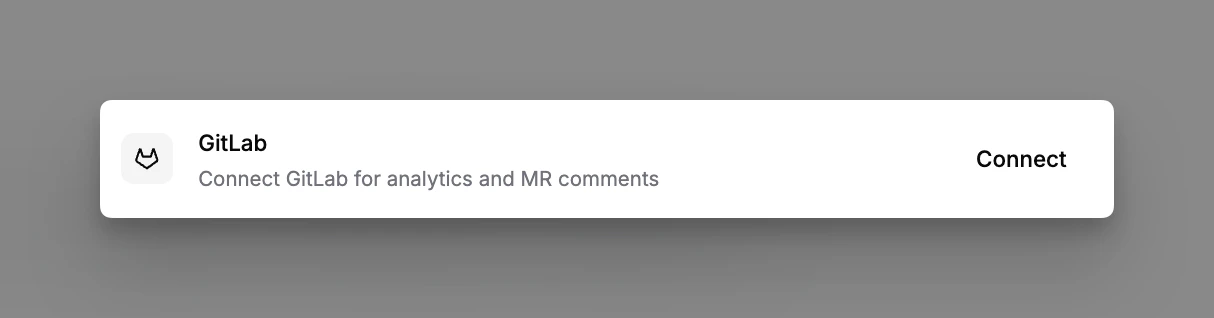
2. Click **Connect** on the GitLab card.
3. Provide a personal or project access token with `api` and `write_repository`
scopes, and select the projects to connect.
 ## What gets posted
* **MR comment**: a comment is posted on the merge request summarizing the
Momentic tests that ran against that branch, with links back to each run in
the dashboard.
## Running on MRs
The integration posts the comment once runs complete. To start runs from an MR,
pair it with a GitLab CI job: see [GitLab CI/CD](/running-tests/ci/gitlab-ci)
for a ready-to-paste pipeline.
## What gets posted
* **MR comment**: a comment is posted on the merge request summarizing the
Momentic tests that ran against that branch, with links back to each run in
the dashboard.
## Running on MRs
The integration posts the comment once runs complete. To start runs from an MR,
pair it with a GitLab CI job: see [GitLab CI/CD](/running-tests/ci/gitlab-ci)
for a ready-to-paste pipeline.