> ## Documentation Index
> Fetch the complete documentation index at: https://momentic.ai/docs/llms.txt
> Use this file to discover all available pages before exploring further.
# GitHub
> Post Momentic test summaries as pull request comments on GitHub.
Install the Momentic GitHub App to post summaries of test runs as comments on
pull requests.
## Install
1. Open [Settings > Integrations](https://app.momentic.ai/settings/integrations)
in the dashboard.
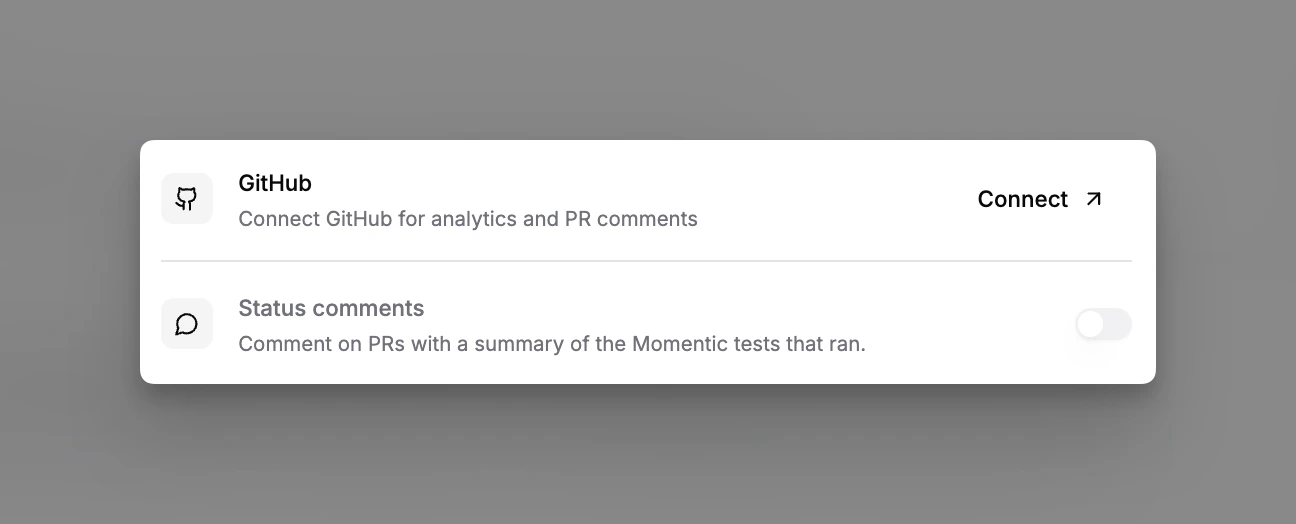
2. Click **Connect** on the GitHub card and install the Momentic GitHub App on
the repositories you want to connect.
3. **Status comments** are enabled by default once the app is installed. Toggle
them off in the integration settings if you'd rather not have Momentic post
on PRs.
 ## What gets posted
* **Status comment**: a comment is posted on the PR summarizing the Momentic
tests that ran against that branch, with links back to each run in the
dashboard. The comment updates in place as new runs complete.
## Running on PRs
The integration itself posts the comment once runs complete. To start runs from
a PR, pair it with a GitHub Actions job: see
[GitHub Actions](/running-tests/ci/github-actions) for a ready-to-paste
workflow.
## Pull request templates
Momentic features that open pull requests on your behalf, such as
[`momentic ai triage`](/cli-reference/momentic/commands/ai#triage), pick up your
repository's pull request template so the generated PR description matches what
your team expects.
Momentic respects one location for PR templates. To add it to your GitHub
repository:
1. Navigate to your repository on GitHub.
2. Create a `.github` directory in the root of your repository if it doesn't
exist.
3. Add a file named `PULL_REQUEST_TEMPLATE.md` within the `.github` directory.
4. Populate the file with your PR template content.
GitHub will automatically use this template when a new pull request is opened,
and Momentic will use it when generating pull requests.
## What gets posted
* **Status comment**: a comment is posted on the PR summarizing the Momentic
tests that ran against that branch, with links back to each run in the
dashboard. The comment updates in place as new runs complete.
## Running on PRs
The integration itself posts the comment once runs complete. To start runs from
a PR, pair it with a GitHub Actions job: see
[GitHub Actions](/running-tests/ci/github-actions) for a ready-to-paste
workflow.
## Pull request templates
Momentic features that open pull requests on your behalf, such as
[`momentic ai triage`](/cli-reference/momentic/commands/ai#triage), pick up your
repository's pull request template so the generated PR description matches what
your team expects.
Momentic respects one location for PR templates. To add it to your GitHub
repository:
1. Navigate to your repository on GitHub.
2. Create a `.github` directory in the root of your repository if it doesn't
exist.
3. Add a file named `PULL_REQUEST_TEMPLATE.md` within the `.github` directory.
4. Populate the file with your PR template content.
GitHub will automatically use this template when a new pull request is opened,
and Momentic will use it when generating pull requests.